Table of Contents
We are facing a demographic shift unprecedented in human history. It is often called the “Silver Tsunami.” By 2030, all Baby Boomers will be older than 65. By 2050, the global population of people over 60 will nearly double to 2.1 billion.
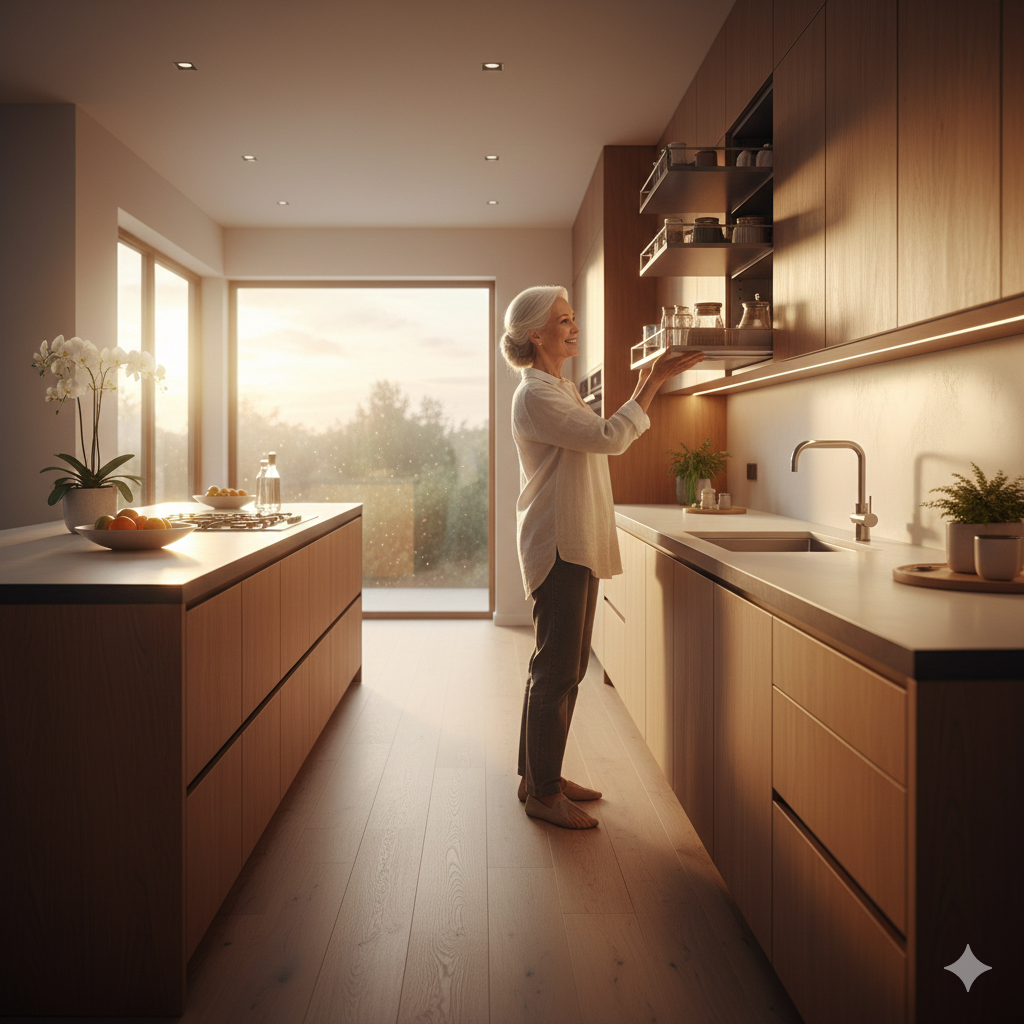
For architects and interior designers, this is not just a statistic; it is a call to action. For decades, Designing for Seniors meant building sterile nursing homes with beige walls, hospital beds, and the faint smell of antiseptic. It was an architecture of “management,” not an architecture of “living.”
Today, that paradigm is dead. The modern senior is active, tech-savvy, and deeply independent. They do not want to be “managed”; they want to age in place with dignity, autonomy, and style.
Designing for Seniors in 2025 is about invisibility. It is about integrating safety features so seamlessly that they look like high-end design choices. It is about creating environments that compensate for declining vision, mobility, and cognition without screaming “disability.”
In this comprehensive guide, we will explore the critical principles of this sector. We will look at how to prevent falls through lighting, how to design for the aging eye, and how “AgeTech” is turning homes into health guardians.
The Core Philosophy: Autonomy Over Safety
While safety is paramount, the ultimate goal of Designing for Seniors is autonomy.
When a design forces a senior to ask for help—to climb a step, to read a thermostat, to open a jar—it chips away at their sense of self-worth. Good design removes these barriers. It acts as a silent partner, empowering the resident to cook, bathe, and socialize on their own terms for as long as possible.
This approach aligns with the concept of “Aging in Place”—the ability to live in one’s own home and community safely, independently, and comfortably, regardless of age, income, or ability level.
1. Mobility and Accessibility: The Flow of Life
The most obvious challenge of aging is reduced mobility. Whether it’s a reliance on a walker, a wheelchair, or simply stiff joints, the physical environment must adapt.
The Zero-Step Entry
Stairs are the enemy. Designing for Seniors requires a “Zero-Step” threshold at the front door. This isn’t just for wheelchairs; it prevents trips for anyone carrying groceries.
- Design Tip: Instead of a clunky metal ramp, grade the landscape so the path gently slopes up to the door level. This is beautiful landscape architecture that functions as accessibility.
Wider Corridors and Doorways
Standard doorways are often 28-30 inches wide. A walker needs 32 inches; a wheelchair needs 36.
- The Principle: Design all hallways to be at least 42 inches wide. This allows for a turning radius and prevents the “tunnel” feeling.
- Lever Handles: Replace all doorknobs with levers. Arthritis makes gripping and twisting painful. Levers can be pushed down with an elbow.
Flooring Transitions
Falls are the leading cause of injury-related death among older adults. A major culprit is the transition strip between carpet and tile.
- The Fix: Use continuous flooring materials throughout the home (e.g., luxury vinyl plank or cork). If transitions are necessary, they must be flush. Avoid high-pile carpets, which are tripping hazards and make rolling walkers difficult.
2. Vision and Lighting: Seeing the World Clearly
As we age, our eyes change. The lenses thicken and yellow, letting in less light. A 60-year-old needs three times more light to read than a 20-year-old.
Quantity and Quality of Light
- Ambient Light: Recessed cans are not enough. Designing for Seniors requires layering light. Uplighting (bouncing light off the ceiling) reduces shadows and glare, which can be disorienting.
- Task Lighting: Under-cabinet lighting in the kitchen is mandatory, not optional. It illuminates the workspace for safe chopping and cooking.
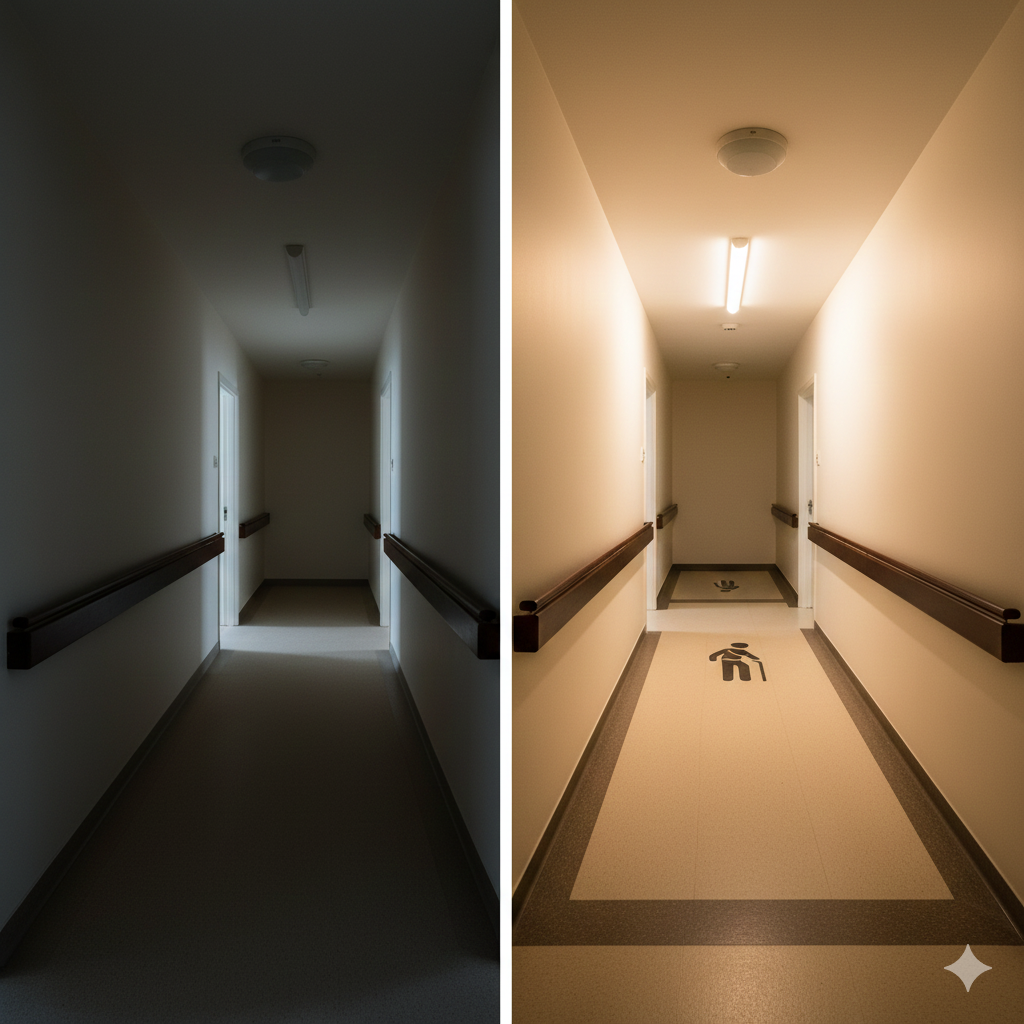
- Night Lighting: Seniors often need to use the bathroom at night. Motion-sensor amber LED strips under the bed and along the baseboards provide a safe path without waking the brain with bright blue light.
Contrast is King
Because the aging eye struggles with depth perception, monochromatic color schemes are dangerous. A white toilet on a white floor against a white wall disappears.
- The Fix: Use high contrast. A dark wood floor with light walls helps the senior define the edges of the room. Paint the edge of stairs a contrasting color so the steps are clearly visible.
3. The Bathroom: The Danger Zone
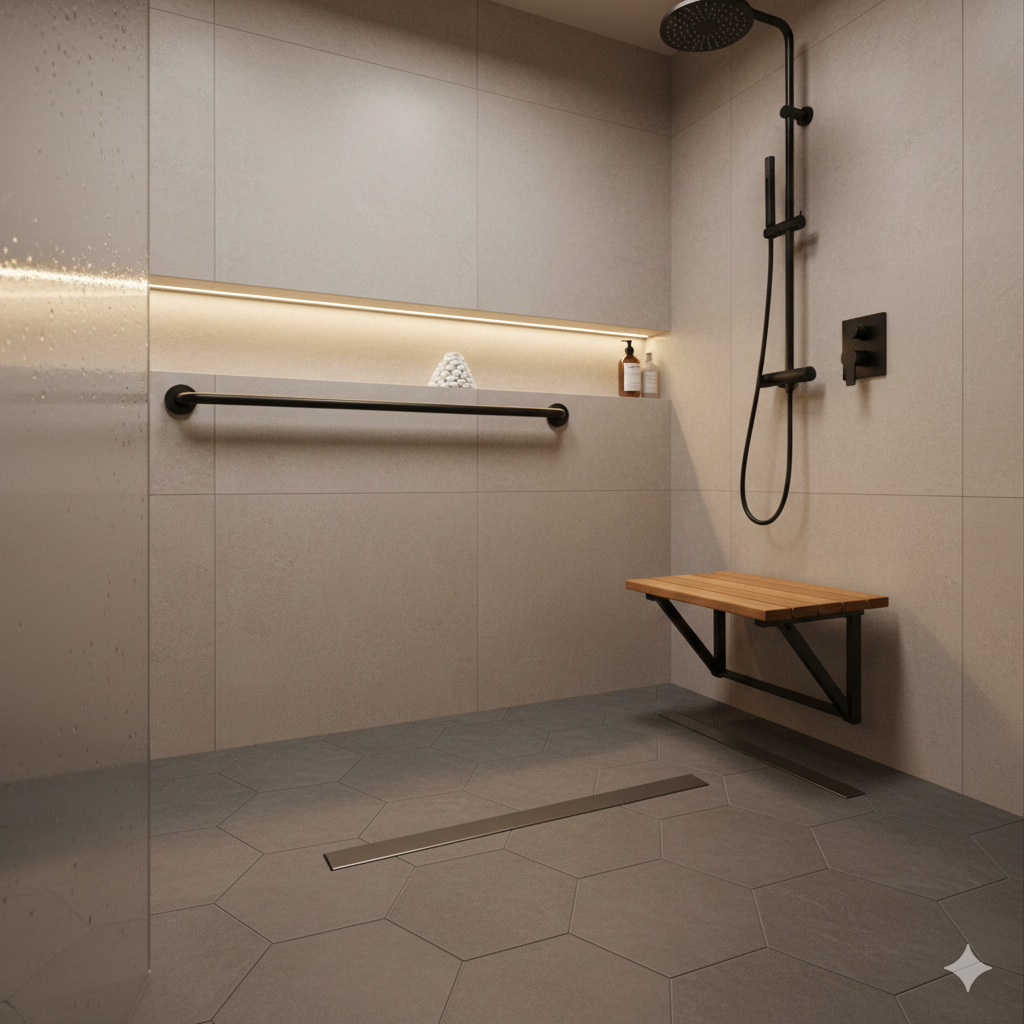
The bathroom is statistically the most dangerous room in the house. It combines hard surfaces, water, and nudity. Transforming this space is the highest priority in Designing for Seniors.
The Invisible Grab Bar
The days of the ugly, industrial stainless steel “hospital bar” are over. Modern manufacturers make grab bars that double as toilet paper holders, towel racks, and soap dishes. They are reinforced to hold 250+ lbs but look like chic accessories.
- Placement: Install backing (blocking) in the walls behind the toilet and shower during construction, even if you don’t install the bars yet. This makes adding them later cheap and easy.
Comfort Height Toilets
Standard toilets are 15 inches high. Sitting down and standing up from this height is hard on bad knees. “Comfort Height” (or ADA) toilets are 17-19 inches high, making the transfer significantly easier.
4. Cognitive Support: Dementia-Friendly Design
For the millions of seniors living with Alzheimer’s or dementia, the environment can be a source of confusion and terror. Designing for Seniors includes cognitive compassion.
Wayfinding and Cues
Short-term memory loss makes navigating even a familiar home difficult.
- Visual Cues: Use “memory boxes” or photos outside bedroom doors in assisted living facilities.
- See-Through Storage: In the kitchen, use glass-front cabinets. If a senior can see the coffee mug, they remember they want coffee. If it’s behind a solid door, it might as well not exist.
The “Yellowing” Effect
Because aging lenses yellow, colors like blue and purple can appear grey or washed out. Reds, oranges, and warm yellows remain the most visible and vibrant. Use these colors for important markers (like the toilet seat or the handrail).
Pattern Control
Avoid busy patterns on floors (like checkered tiles or swirls). To a brain with dementia, a dark speck on the floor might look like a hole or an insect, causing them to step over it or freeze. Keep flooring solid and matte.
5. Social Connection: combating Isolation
Loneliness is as deadly as smoking 15 cigarettes a day. Designing for Seniors must prioritize social interaction.
- The Front Porch: Reviving the “front porch culture” allows seniors to engage with the street and neighbors without leaving the safety of their home.
- Communal Spaces: In senior living developments, the “cafeteria” is out; the “bistro” is in. Creating smaller, intimate seating areas encourages conversation, whereas massive dining halls can feel overwhelming and isolating.
6. AgeTech: The Digital Caregiver
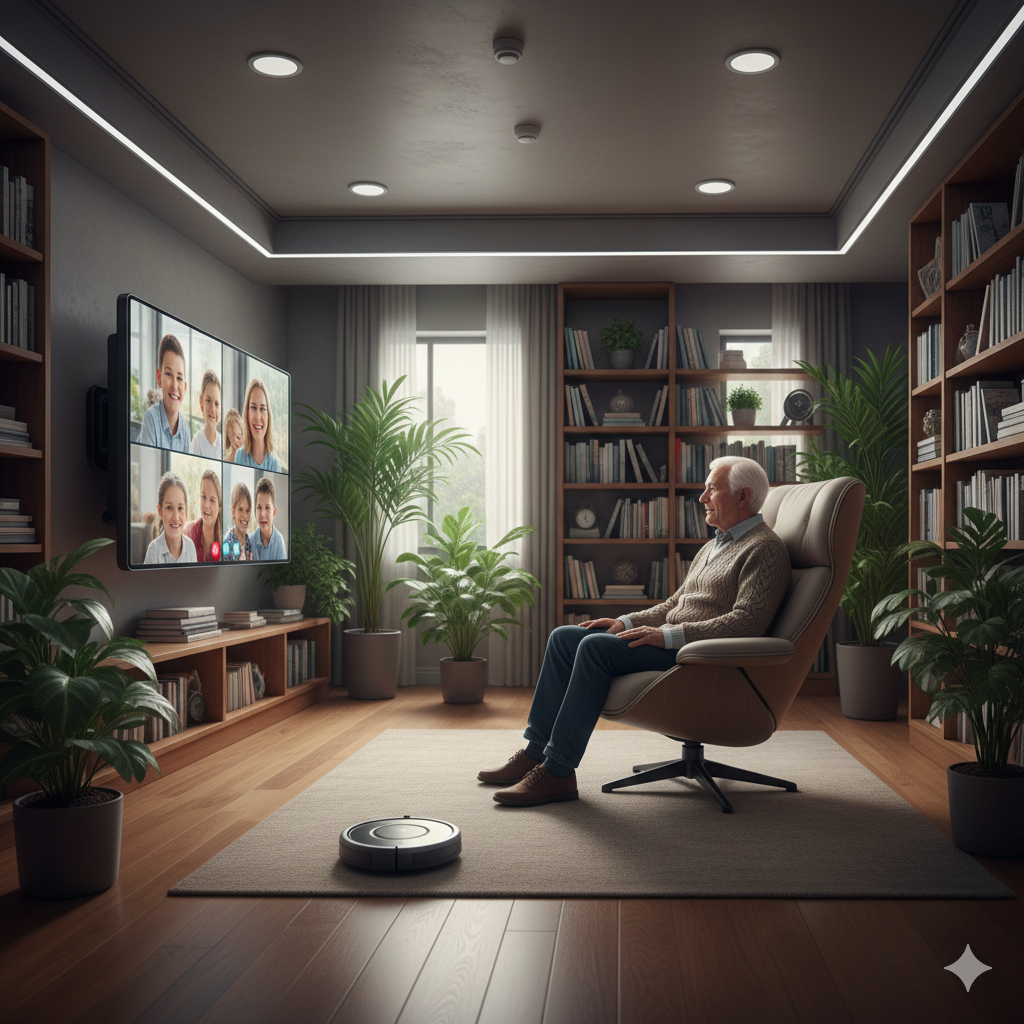
Technology is the new frontier of Designing for Seniors. The “Smart Home” is becoming the “Caring Home.”
- Passive Monitoring: Sensors in the floor can learn a resident’s walking pattern. If the gait changes (shuffling), it can predict a fall risk and alert family members.
- Voice Control: For seniors with tremors or arthritis, using a touchscreen is frustrating. Voice assistants (Alexa/Siri) allow them to control lights, blinds, and thermostats effortlessly.
- Telehealth Rooms: Dedicating a space with good lighting and acoustics for virtual doctor visits is now a standard requirement.
Conclusion
Designing for Seniors is ultimately about empathy. It is about acknowledging that our bodies change, but our desire for beauty, comfort, and independence does not.
By applying these principles—mobility, visibility, cognitive support, and connection—we move away from the “warehousing” of the elderly and toward a future where our homes evolve with us. We stop building for a mythical “standard” human and start building for the reality of the human lifecycle.
Whether you are an architect working on a 200-unit facility or a homeowner renovating for your parents, remember: good design doesn’t just add years to life; it adds life to years.
Frequently Asked Questions (FAQ)
What is the difference between Accessible Design and Universal Design?
Accessible Design focuses on meeting code requirements for people with disabilities (like the ADA). Universal Design is broader; it aims to make spaces usable by everyone—children, seniors, and adults—without the need for adaptation. A zero-step entry is Universal; a metal ramp is Accessible.
Is retrofitting a home for seniors expensive?
It varies. Installing grab bars, better lighting, and lever handles is very affordable ($500-$2,000). Major structural changes like widening doors or installing a stairlift can cost significantly more ($5,000-$20,000). However, it is almost always cheaper than the monthly cost of an assisted living facility.
What is the best flooring for seniors?
Cork is excellent because it is soft (cushions falls), warm, and non-slip. Luxury Vinyl Plank (LVP) is also popular because it is durable, water-resistant, and offers good traction. Avoid polished tile and stone.
How do I design for a senior with hearing loss?
Focus on acoustics. Use soft materials (curtains, rugs, acoustic ceiling panels) to reduce background noise and reverberation, which makes hearing aids more effective. Also, install visual alert systems (flashing lights) for the doorbell and smoke alarm.
What are “Smart Sensors” for seniors?
These are unobtrusive devices that track movement. They can alert a caregiver if the fridge hasn’t been opened all day, or if the resident has been in the bathroom for an unusually long time, potentially indicating a fall or illness.